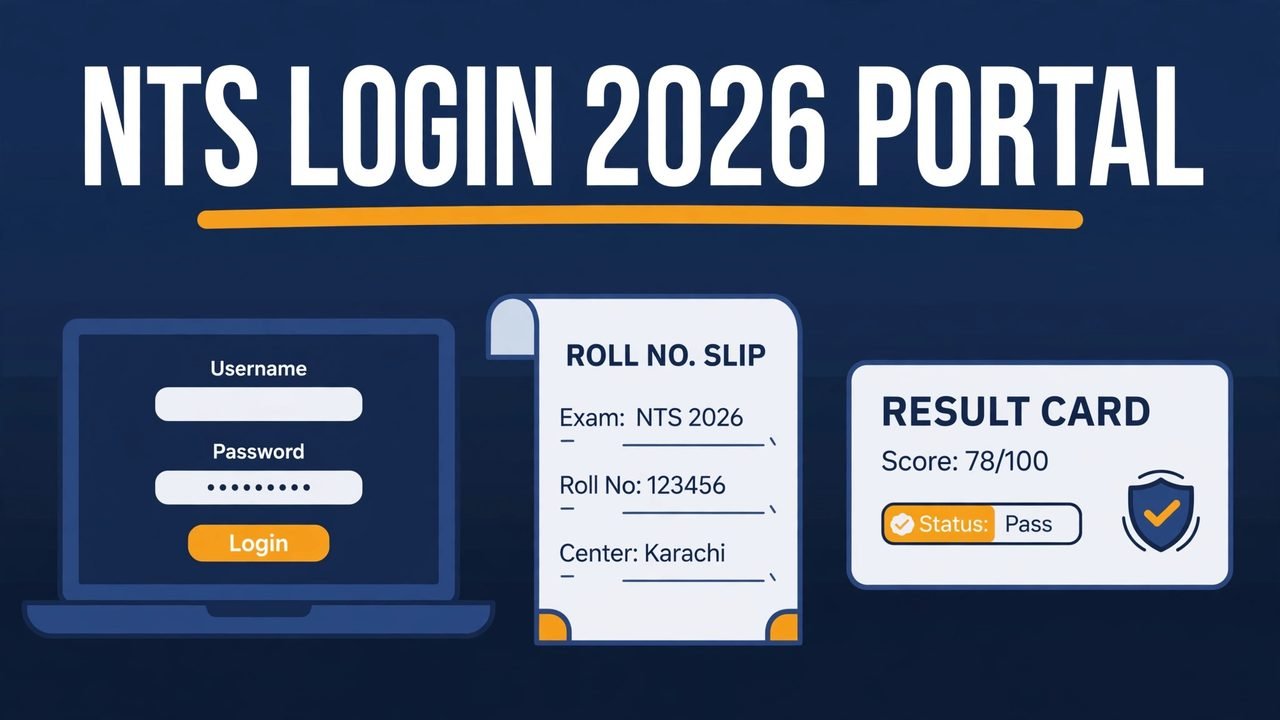
Every NTS test in Pakistan starts in the same place: the candidate portal. If you have applied for a government job test, the NAT, or the GAT, you will need the NTS Login 2026 Portal to register, to download your roll number slip, and to check your result. This guide explains the whole process in simple steps.
The National Testing Service (NTS) is Pakistan’s first testing service. Set up in 2002, it conducts admission, recruitment, and scholarship tests for government departments and universities across the country. The online portal is where all of this work happens, and one account serves you for every test you apply for.
The NTS Login 2026 Portal is the official online account system for NTS candidates. Its address is portal.nts.org.pk. Once you create an account there, you can use it for every NTS test. You do not need a new account for each test.
Your portal account holds your personal information, your academic record, and the full history of the tests you have applied for. It is also the place where NTS puts your roll number slips and your result cards, so check it regularly after you apply for any test.
One account for all tests: You register only once, and the same login works for NAT, GAT, and job recruitment tests.
Fee slip from the portal: Your bank deposit slip is generated inside the portal only, and it shows the exact fee for your test.
Roll number slip online: Your roll number slip is uploaded to the portal before the test, and you can download and print it.
Result and merit list: Your result card and merit list information appear on the portal when they are announced.
SMS alerts: NTS also sends an SMS to your registered mobile number when your roll number slip or result is ready.
NTS Login 2026 Portal at a Glance
Detail
Information
Portal name
NTS Online Registration Portal
Portal address
portal.nts.org.pk
Main website
nts.org.pk
Login needs
Registered email or CNIC and password
Roll number slip
Uploaded on the portal before the test date
Result
Result card available on the portal after the test
How to Register on the NTS Portal
If you have never used the portal before, create an account first. Registration is a one-time step, so do it carefully: the information you enter will appear on your roll number slip and your result card.
Open the official portal at portal.nts.org.pk and look for the sign-up option for new users. Enter your full name as written on your CNIC, your CNIC number, your mobile number, and a valid email address. Use a number and an email address that you actually use, because NTS sends confirmation messages and test alerts to them.
After you submit the form, NTS sends a confirmation SMS to your mobile number. Once your account is confirmed, log in and complete your profile: your personal information, your academic information, and your employment information if you have worked before. Fill in every part honestly. NTS clearly states that incomplete or wrongly filled registration details will not be processed.
Correct CNIC details: Your name, your father’s name, and your CNIC number must match your CNIC exactly.
Clear postal address: Give your full postal address, postal city, and postal city district, because NTS uses these for official correspondence.
Recent photograph: Upload a recent, clear photograph. Your profile photo is used on your roll number slip, your answer sheet, and your result card.
Safe password: Choose a strong password and keep it private. Never share your portal password with anyone, not even with an agent.
Logging in is simple. Go to the portal, enter your registered email address or CNIC and your password, and open your dashboard. From there, you can see the list of announced tests and apply for the ones you are eligible for.
If you forget your password, use the “Forgot Password” option on the login page and follow the reset steps using your registered email or mobile number. If the reset does not work, contact the NTS Call Center on +92-51-844-444-1, or email query@nts.org.pk. Do not create a second account.
Always type the portal address yourself. Do not log in through links sent in WhatsApp messages, Facebook posts, or SMS from unknown numbers. Fake pages that look like the NTS portal are used to steal CNIC numbers and passwords.
How to Apply for a Test Through the Portal
After you log in, open the list of projects on the portal and select the test you want to apply for. Read the eligibility conditions first. For example, the NAT is for undergraduate admissions in NTS-associated universities, the GAT General is for MS and MPhil admissions, and the GAT Subject is for PhD admissions. Recruitment tests have their own conditions, given in the job advertisement.
When you apply, the portal generates your bank deposit slip. The fee is different for different tests, and the exact amount is printed on the slip. You can pay through 1Link 1Bill participating banks, ATM, internet banking, mobile banking, Easypaisa, JazzCash, or TCS Express Counters, as shown on the slip. Keep the paid slip safe as proof of payment. The bank deposit slip is available on the NTS portal only, so do not accept a fee slip from any other source.
Check eligibility first: Read the age, education, and domicile conditions before you pay any fee, because the fee is not refundable.
Pay before the last date: Applications submitted after the closing date are not accepted, even if the fee is paid.
Keep the payment proof: Save the paid slip or the payment message until your result is announced.
How to Download Your NTS Roll No Slip 2026
Your roll number slip is the most important document for test day. NTS uploads roll number slips on the portal at least seven days before the test, and sends an SMS to your registered mobile number when the slip is ready. Some project pages also offer a “List of Candidates” search, where you can enter your CNIC number and a code to find your slip.
To download your slip, log in to the portal and open the roll number slip section for your test. Download it, print it, and check every detail: your name, your roll number, your test date, your reporting time, and your test centre. If your photograph is missing or unclear on the slip, paste a recent passport-size photograph on the printed slip, as NTS instructs. If any detail is wrong, contact NTS at once, because corrections are very hard to make on the test day.
On test day, bring your printed roll number slip and your original CNIC. Mobile phones, calculators, and other electronic devices are not allowed in the test centre. Reach the centre before the reporting time on your slip, because late candidates are not allowed to enter.
How to Check Your NTS Result 2026 Online
After the test, your result card is uploaded to the portal. Log in, open the result section for your test, and view or download your result card. NTS also publishes merit lists for recruitment tests on its website, so you can check whether your name appears in the list for the next stage.
A result cannot be checked before it is officially uploaded, so do not trust anyone who claims to have your result early. If the portal shows no result for your test, the result has not been announced yet. Check the official NTS website for the announced result date. For NAT and GAT, you will also need a copy of your result card when you apply for admission to a university, so download and save it safely.
Most portal problems have a simple cause — check the list below first.
No confirmation SMS: Check that your mobile number is correct in your profile, and remember that SMS to ported numbers is restricted by NTS.
Slip not showing: Your slip appears only after NTS uploads it for your project, usually at least seven days before the test, so check again after the announced date.
Wrong photo or details: Contact the NTS Call Center at once and follow the correction process given on the website.
Payment not updated: Wait a short time for the bank payment to update, then log in again and check your application status.
Safety Tips for NTS Candidates
The NTS portal holds your CNIC number, your photograph, and your academic record, so protect it like a bank account. Never share your password, and never pay anyone who promises to raise your marks, to arrange a seat, or to give you a roll number slip before it is officially issued. NTS has no agents for these services, and anyone asking for money in the name of NTS is a fraud.
For help with any genuine problem, contact the NTS Call Center at +92-51-844-444-1 or email query@nts.org.pk. The NTS head office is at Plot No. 96, Street No. 4, H-8/1, Islamabad. The official website also lists the latest announcements and test venues.
Conclusion
The NTS Login 2026 Portal is simple once you understand it. You register one time, log in with your email and password, apply for your test, pay the fee through the slip generated in the portal, download your roll number slip before the test, and check your result card after the test. Keep your account details safe, use only the official portal address, and check your account regularly after you apply. Follow the dates on the official website and you will not need any agent.
Source Table
Source
Detail Used
NTS official website (nts.org.pk)
NTS background, products (NAT, GAT Subject, GAT General), call center number, email, head office address
NTS online registration pages (portal.nts.org.pk)
One-time registration, profile completion, fee slip from portal only, roll number slip and result card on portal, SMS alerts
NTS GAT and NAT registration instructions
Fee payment through 1Link 1Bill banks, ATM, Easypaisa, JazzCash and TCS counters; slip uploaded at least 7 days before test
FAQs – NTS Login 2026 Portal
What is the official NTS login portal address?
The official NTS candidate portal is portal.nts.org.pk. The main NTS website is nts.org.pk. Always type the address yourself and check that it ends with nts.org.pk.
Do I need a new NTS account for every test?
No. You register only once. The same account and login work for NAT, GAT, and recruitment tests.
What do I need to log in to the NTS portal?
You need your registered email address or CNIC number and your password. If you forget your password, use the “Forgot Password” option on the login page.
How do I download my NTS roll number slip?
Log in to the portal after NTS uploads the slips, usually at least seven days before the test, and download and print your slip from the roll number slip section.
How do I check my NTS result online?
Log in to the portal after the result is announced, and open the result section for your test. Your result card will be available there.
What is the NTS helpline number?
The NTS Call Center number is +92-51-844-444-1. You can also email query@nts.org.pk for queries about your application, roll number slip, or result.
Is there any fee to create an NTS portal account?
No. Creating an account is free. You only pay the test fee, shown on the bank deposit slip generated in the portal when you apply.
What should I do if my roll number slip has wrong information?
Contact the NTS Call Center at once and follow the correction process on the official website. Do not wait until the test day, because corrections are very hard to make at the test centre.
Shahzad Sahil is the editor of punjabjobscenter.com, covering Punjab government and private jobs, education news and results for students, with information verified from official sources.
Pakistan Railways Jobs 2026 are open for 829 posts under the Balochistan quota. Pakistan Railways has advertised these posts in three advertisements dated 27 October 2026: 799 at the Divisional Superintendent Office, Quetta; 24 at the Headquarters Office, Lahore; and 6 at the Ministry of Railways, Islamabad. The biggest single post is Gangman, with 468…
The University of Engineering and Technology (UET), Lahore, has announced UET Lahore Jobs 2026 for 43 posts across its Main Campus, New Campus and Faisalabad Campus. The posts include Lab Supervisors, Computer Operators, Junior Clerks, Drivers, Security Guards, Naib Qasid and Sweepers, and applications are invited on simple paper. Only Punjab-domiciled candidates can apply, and…
WAPDA Balochistan Quota Jobs 2026 are open for 37 posts for candidates holding a Balochistan domicile. The Water and Power Development Authority (WAPDA) is hiring across BPS-07 to BPS-16, in offices and projects including Lahore, Chashma, Tarbela, Mangla and Dasu. The largest group is 10 Staff Nurse posts. Candidates apply online through the National Jobs…
The University of Mianwali has announced University of Mianwali Jobs 2026 for 14 non-teaching posts in BS-17 under Consolidated Advertisement No. 10/2026. The vacancies cover administration, finance, research, IT, engineering, sports and other professional fields, with 11 job titles from Assistant Registrar to Personal Secretary. Only Punjab domicile holders can apply. Read the deadlines carefully…
Benazir Income Support Programme Jobs 2026 are open for 197 posts under the Balochistan quota, and every single post — including the eight posts at the BISP Headquarters in Islamabad — needs a Balochistan local or domicile certificate. The Benazir Income Support Programme (BISP), the federal social protection programme, is hiring through walk-in interviews, with…
NAVTTC Islamabad Jobs 2026 are open for 2 Short Term Expert posts under the Prime Minister’s Youth Skill Development Program (PMYSDP 2023–27). The National Vocational and Technical Training Commission (NAVTTC) is hiring one expert in Contract Management and one in Procurement Compliance. Both posts are short-term, for 89 days, extendable on satisfactory performance, and paid…