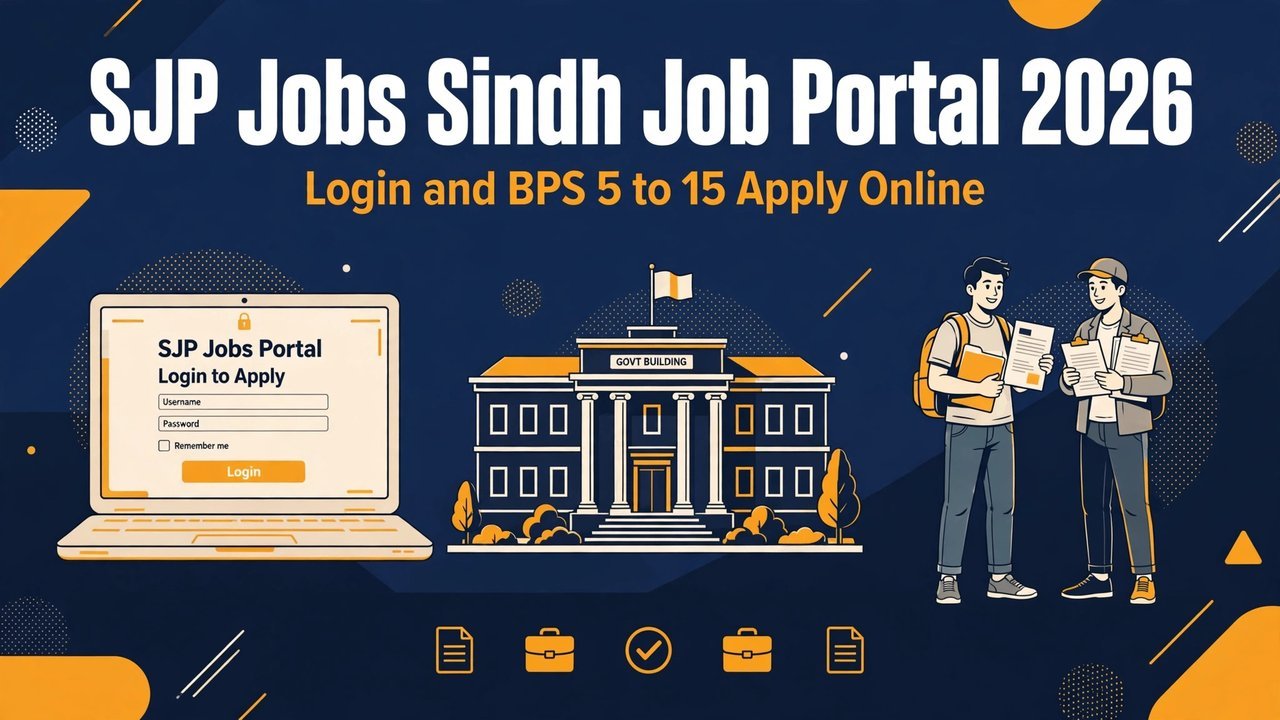
Many job seekers in Sindh lose a good chance because they apply in the wrong place. They send a form to the wrong office, or they wait for a test they should have passed first. SJP Jobs Sindh Job Portal 2026 is the one place where most Sindh government jobs in BPS 5 to 15 are now advertised and applied for online. If you understand this portal before you apply, you save time, money and stress.
This guide explains the Sindh Job Portal in simple steps: what the portal is, who can use it, what the STS test is, which documents you need, and how to register, log in and apply.
The Sindh Job Portal, short form SJP, is the official central portal of the Government of Sindh for provincial recruitment. It was developed with Sukkur IBA University. The portal brings job advertisements, online applications, test records and selection steps into one digital system. The aim is simple: one portal for Sindh government jobs, with merit and transparency.
The portal was first created for posts in BPS 5 to 15. That is still its main work. Departments across Sindh advertise their BPS 5 to 15 posts on SJP. A candidate registers once, builds one profile, and then applies for different posts from the same account. There is no need to visit offices or send paper forms for most SJP posts, unless the advertisement itself asks for it.
The official address of the portal is sjp.gos.pk. Always check the address before you type your CNIC or password. Some summaries on the internet print the address as sjp.gov.pk. That is not the official portal address. The address printed in the advertisement itself is the one you should trust. If the advertisement and the portal address do not match, stop and check again.
SJP vs SPSC: Which Route Is for Your Post?
The grade of the post decides where you apply. This is the most important rule in Sindh recruitment, and many candidates get it wrong. The table below makes it clear.
Point
Sindh Job Portal (SJP)
Sindh Public Service Commission (SPSC)
Posts covered:
Mostly BPS 5 to 15 posts
Gazetted and higher posts
Testing body:
Sukkur IBA Testing Service (STS)
SPSC itself
Official website:
sjp.gos.pk
spsc.gov.pk
First step:
Pass the STS screening test first
Apply directly as per the SPSC advertisement
The STS Screening Test Comes First
For most SJP posts, the screening test comes before the application, not after it. This is the step most new candidates miss. The Sukkur IBA Testing Service (STS) holds a General Screening Test in three categories: Matric, Intermediate and Graduation. You must pass the test in the category that matches the post you want.
Minimum marks: You commonly need at least 40% marks in the STS General Screening Test to qualify.
Certificate: You must hold the STS certificate for the matching category before you apply on SJP.
Category match: A Matric-category pass does not cover a Graduation-category post, so check the category in the advertisement.
Repeat attempts: Candidates who fail can retake the test, and tests are held regularly, so a fail is not the end of your chance.
First attempt: The first attempt of the screening test has been funded by the Sindh government, according to the launch reports of the portal.
More than 326,000 candidates had passed the STS screening tests in 2023 and 2025, according to the reports at the launch of the portal. Your certificate is your entry ticket, so keep a clear scan of it ready for upload.
Documents You Need Before You Register
Prepare your documents before you open the portal. A half-ready profile wastes time and can lead to errors, and blurry scans are a common reason for delays.
CNIC: Your valid Computerised National Identity Card, front and back, scanned clearly.
Domicile: Your Sindh domicile certificate, which proves the district you belong to.
PRC: Your Permanent Residence Certificate, if the post requires it.
Education certificates: Your Matric, Intermediate or Graduation certificates and mark sheets, as per the post.
STS certificate: Your STS General Screening Test certificate for the matching category.
Experience certificates: Experience letters from past employers, if the post asks for experience.
Photograph: A recent passport-size photograph with a plain background.
Keep the original documents with you as well. The portal asks for scans, but interviews and verification need originals. Never hand your original CNIC or certificates to any agent or stranger.
How to Register on the Sindh Job Portal
Registration on SJP is free and online. You only need your CNIC, a mobile number that is in your own use, and an email address. Follow these steps in order.
Open the portal: Go to the official Sindh Job Portal at sjp.gos.pk and confirm the address in your browser before you enter any detail.
Choose Register: Click the Register or Sign Up option on the home page and start a new account.
Enter your CNIC: Type your CNIC number carefully, without dashes, exactly as printed on your card.
Add mobile and email: Enter your own mobile number and a working email address, because login codes and job alerts come to them.
Verify with OTP: Enter the one-time password sent to your mobile to confirm your number.
Set a password: Choose a strong password, write it down in a safe place, and never share it with anyone.
Complete your profile: Fill in your personal details, education, experience and domicile, and upload the scanned documents listed above.
Take your time with the profile. A complete profile is used for every post you apply for later, so check each field twice before you save it.
How to Log In and Apply for a Post
Once your profile is complete, applying for a post is a short process. Do not rush the last date, when portal traffic is heavy and a slow page can cost you the post.
Log in: Open the portal, click Login, and enter your CNIC and password.
Find the job: Use the All Jobs or Search option, and filter by department, BPS scale or district.
Read the advertisement: Read the full advertisement for the post, including age limit, qualification, quota and last date.
Check your eligibility: Match your education, STS category, age and domicile with the post before you click Apply.
Submit the application: Click Apply on the post, confirm your details, and submit the online form.
Save proof: Save or print the confirmation page or application number for your record.
Apply only for posts you are eligible for. A wrong application does not improve your chance. It only wastes your time and can create problems in later verification. If the portal shows a post as closed, do not try to apply through any other link or person.
How to Check Your Application Status and Result
After you apply, the portal is your main source of news. Shortlisting, interview calls and offer letters are handled through the portal system. Keep checking your account and your SMS inbox.
Dashboard: Log in to your SJP dashboard to see the status of each application you submitted.
SMS alerts: Keep the mobile number from your profile active, because test and interview news often comes by SMS.
Email inbox: Check your email, including the spam folder, for messages from the portal.
Advertisement page: Re-read the advertisement if you are unsure about the next step, because the schedule is printed there.
Recent SJP Rounds You Should Know About
New SJP posts appear through the year, so this guide does not list every vacancy. Two recent examples show how SJP rounds work in practice. Always check the portal itself for the live status of any round before you apply.
Sindh Education Department: A notification dated 22 October 2026 from the School Education and Literacy Department allowed recruitment of 331 posts in BPS 5 to 15 under the Intermediate Category, across district education offices. The letter directed that advertisements should start on 23 October 2026. The letter itself did not print an application deadline, and it should not be treated as proof that every listed post is already open on the portal.
Colleges Sukkur Region: Job listings report 45 support staff posts through SJP in the Regional Directorate of Colleges, Sukkur: Cataloguer BPS 11 (5 posts), Laboratory Assistant BPS 07 (15 posts) and Electrician BPS 05 (25 posts). Listings give the last date as 28 November 2026. We could not verify this date on the portal itself, so check the portal before you rely on it.
No government job in Sindh is sold. SJP does not charge a fee for registration, and no officer will call you to ask for payment for selection. If anyone asks for money for a Sindh government job, refuse and report it.
Source Table
Source
What It Confirms
Sindh Job Portal (sjp.gos.pk)
Official portal address; registration, login and online applications
Government of Sindh / Sukkur IBA University launch reports
Portal developed with Sukkur IBA University; BPS 5 to 15 focus; STS test and 326,000+ passers
School Education and Literacy Department letter, 22 October 2026
331 Intermediate Category posts, BPS 5 to 15; advertisement to start 23 October 2026
Job listings for Colleges Sukkur Region
45 posts reported; last date 28 November 2026 reported, not verified on the portal
Conclusion
SJP Jobs Sindh Job Portal 2026 has made Sindh government recruitment simpler, but only for candidates who follow the order of steps. Pass the STS screening test in the right category first, keep your documents ready, build one complete profile, and then apply for posts you are truly eligible for.
FAQs – SJP Jobs Sindh Job Portal 2026
What is the official website of the Sindh Job Portal?
The official portal is sjp.gos.pk. Always use the address printed in the advertisement itself, because some summaries print a wrong address.
Which posts are advertised on SJP Jobs Sindh Job Portal 2026?
Mostly BPS 5 to 15 posts from Sindh government departments. Gazetted and higher posts are handled by SPSC, not SJP.
Is the STS test compulsory for SJP jobs?
For most SJP posts, yes. You commonly need at least 40% marks in the STS General Screening Test in the matching category, and you must hold the certificate before you apply.
What documents do I need for SJP registration?
Your CNIC, domicile, PRC, education certificates, STS certificate, experience certificates if required, and a recent photograph.
Can I apply for SJP jobs without an STS certificate?
No, not for posts that require it. The STS pass comes before the application, so take the test first and then apply.
How do I know if my SJP application was accepted?
Log in to your SJP dashboard to check the status, and keep your registered mobile number active for SMS alerts about tests and interviews.
Shahzad Sahil is the editor of punjabjobscenter.com, covering Punjab government and private jobs, education news and results for students, with information verified from official sources.
Punjab Education Initiatives Management Authority Jobs 2026 are open for just four posts, but they are among the best-paid posts in this batch: the two data posts pay Rs. 350,000 per month, and the two Assistant Director posts pay Rs. 225,000 per month, all on a lump-sum contract basis. The Punjab Education Initiatives Management Authority…
Healthcare professionals looking for government career opportunities in Punjab can now apply for the Pakistan Kidney & Liver Institute and Research Centre (PKLI&RC) Rawalpindi Jobs 2026. The institute has announced multiple vacancies in its Radiology Department, offering competitive salary packages and a transparent online recruitment process. Applications are accepted only through the official PKLI career…
Tourism Archaeology and Museums Department Punjab Jobs 2026 are open for eight high-pay posts, and the top post pays Rs. 950,000 a month. The Tourism, Archaeology and Museums Department, Government of the Punjab, is hiring qualified, experienced and dedicated individuals with a Punjab domicile for its Strategic Management Unit (SMU), under the ADP scheme titled…
NEPRA Jobs 2026 are open for four regular posts at the National Electric Power Regulatory Authority Head Office in Islamabad, and this round is open only to Balochistan domicile holders. The four posts are Dispatch Rider, Aaya, Security Guard and Driver, with one vacancy each. Education requirements are modest — Matric for the rider post…
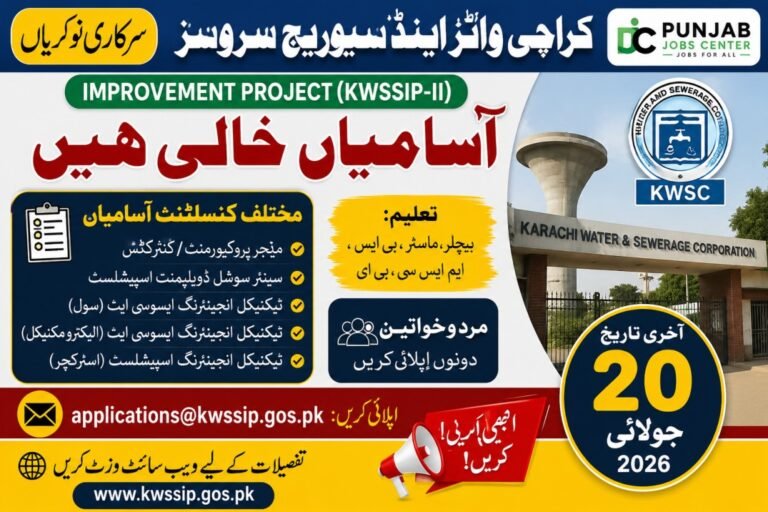
Latest Details Update — 20 November 2026: The July 2026 round covered in this article has now closed. The last date for submission of Expressions of Interest for the KWSSIP-II PIU consultant posts was 20 July 2026, so do not submit an application against this advertisement — late applications are not accepted. What is new:…
If you are looking for a government job in Khyber Pakhtunkhwa after Intermediate, the Kurram Forest Division Parachinar Jobs 2026 offer a valuable opportunity. The Forestry Environment and Wildlife Department has announced vacancies for Forest Guard through the latest advertisement published in the Express Newspaper. Interested candidates should carefully review the eligibility requirements and complete…